USB · 2 LINE
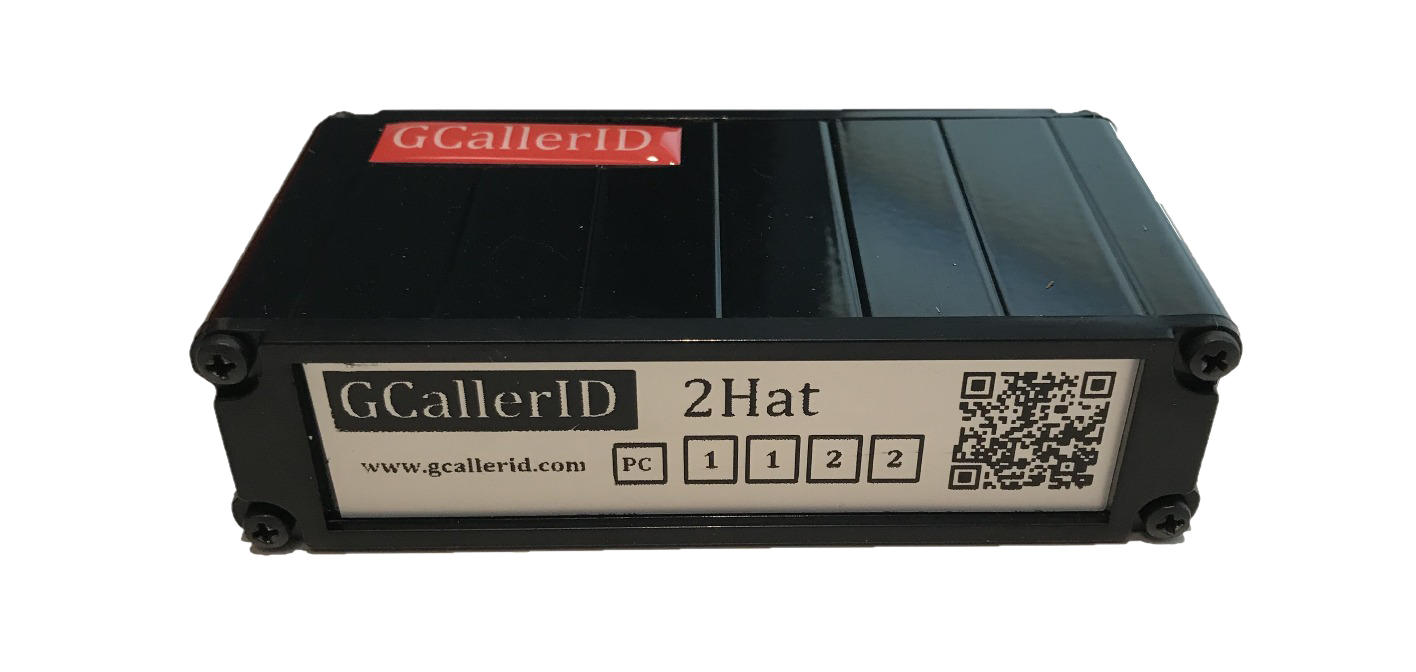
GCallerID 2 Line
Transfer caller ID information from two analog telephone lines to your computer.
Learn More ↗Transfer incoming caller ID information from your landline to your computer. GCallerID devices make customer identification and software integration easier.
Discover GCallerID models that bring call information into your workflows.
Transfer caller ID information from two analog telephone lines to your computer.
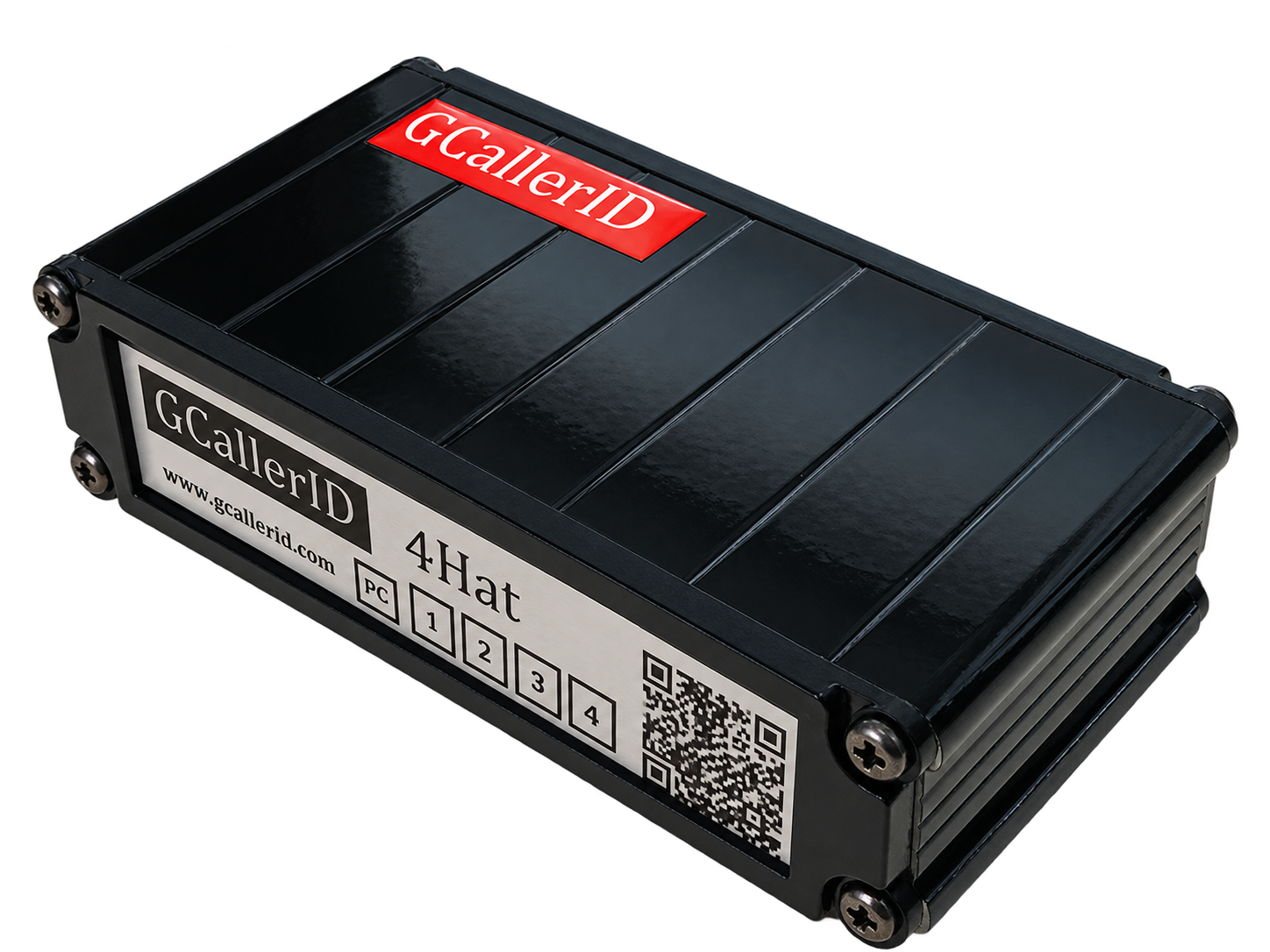
Learn More ↗Monitor calls from four independent landlines with one device.
Learn More ↗
A model designed for installations requiring network communication.
Learn More ↗A practical bridge between hardware and software that helps businesses make use of caller ID data.
Designed to forward caller ID information to computer software.
Monitor multiple telephone lines on separate channels.
Works with compatible customer identification and call management applications.
Windows and HID-based communication on USB models.
A product family developed by Gentema Engineering.
Supports use cases involving up to 16 lines with suitable configuration.
Three essential steps to bring caller ID data from your analog line into your software.
Connect an analog telephone line with CLIP enabled to the appropriate device input.
Download and install the suitable GCallerID setup package on your computer.
Use caller information with compatible caller ID software.
Access GCallerID setup packages, previous releases and developer resources from the original archive.
Note: The latest setup package in the archive is V0.13G (2019). Compatibility with current Windows versions has not been verified. Scan downloaded packages before installation.
Caller Line Identification Presentation (CLIP) must be enabled on your telephone line. A suitable splitter may be required when internet and telephony share an analog line.
Contact Gentema Engineering for product selection, installation and software integration.